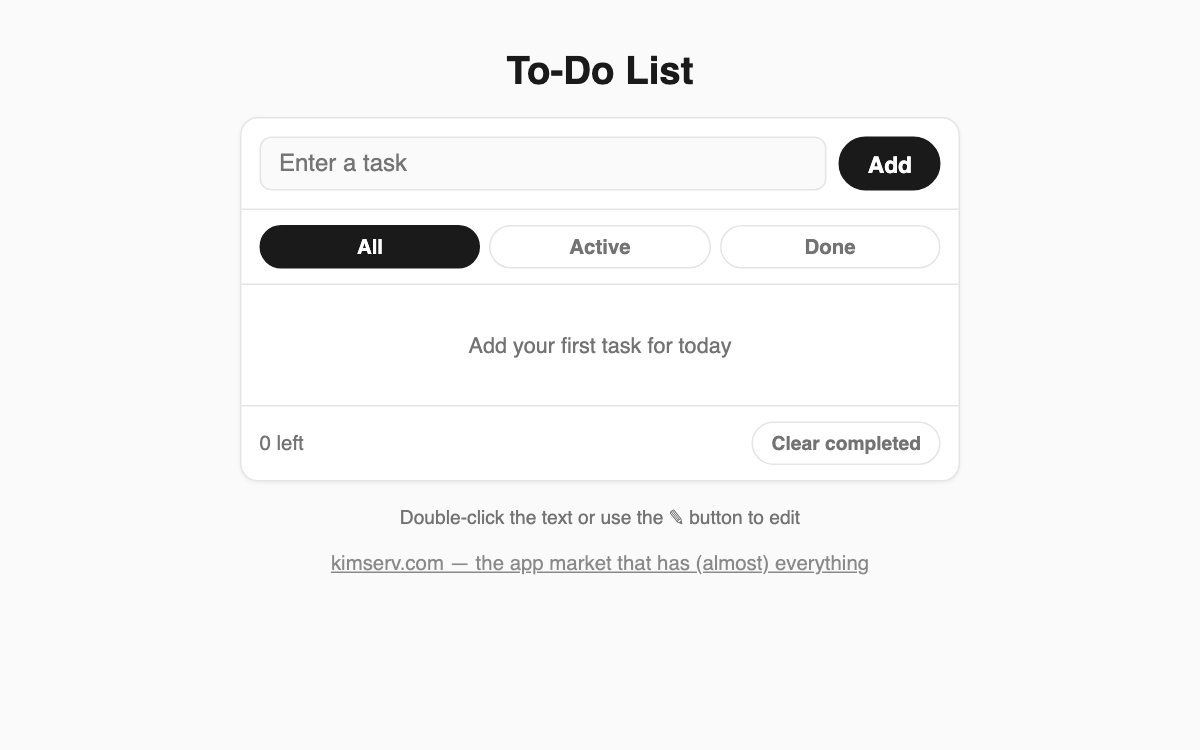
To-Do List — a no-signup, no-install task list you can use instantly
A simple task manager that works the moment you open it in your browser. Every item is saved only in your own browser (localStorage), never on a server, so you can organize your day without any login. It is ideal for quick notes or planning today's tasks.
How to use
- Type a task in the input box and press the Add button or Enter (up to 200 characters).
- Click the checkbox on the left of an item to mark it done.
- Double-click the text or press the ✎ button to edit the wording.
- Use the ↑ ↓ buttons to reorder items and the × button to delete them.
Features & tips
- Filter items with the All, Active, and Done tabs, and check the remaining count at the bottom.
- Use Clear completed to remove all finished tasks at once.
- Your list is saved automatically and restored even after you close and reopen the window.
- Press Esc while editing to cancel your changes.
FAQ
Q. Will my list appear on other devices? A. No. Data is stored only in the browser you are using, so it does not sync across devices.
Q. What happens if I clear my browsing data? A. Clearing localStorage also erases your saved tasks, so back up anything important separately.