Tip Calculator — tips and bill splitting in one place
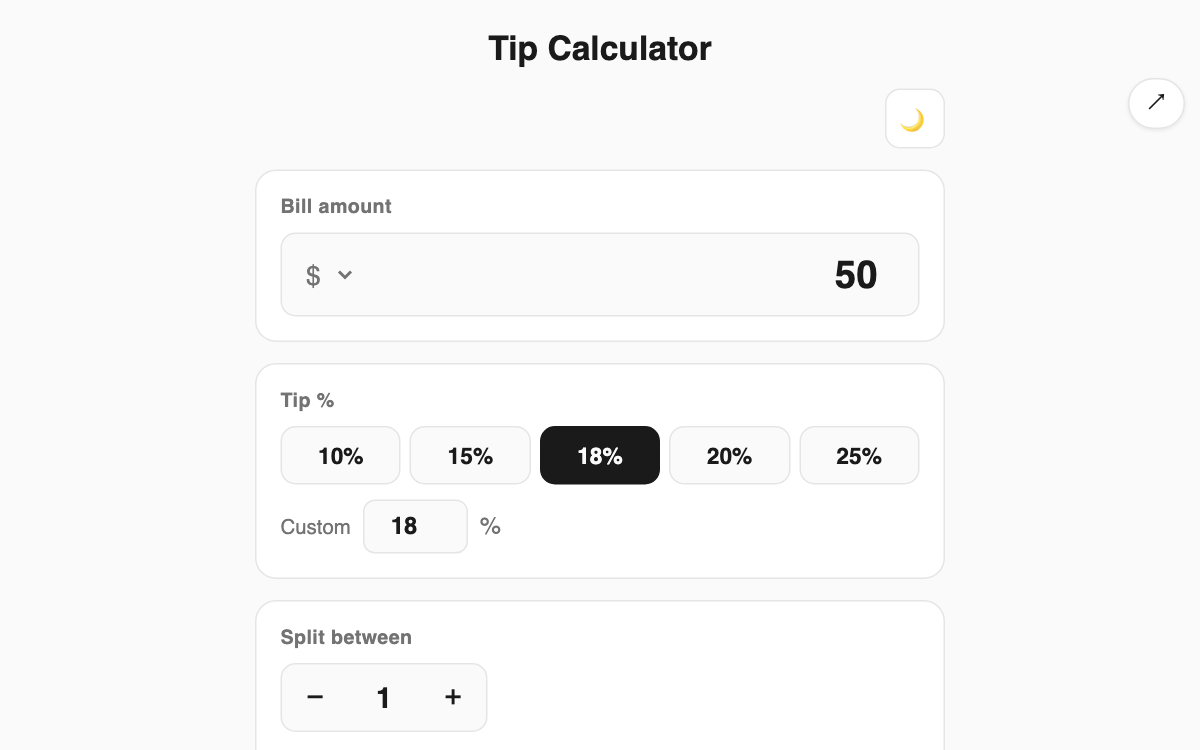
Work out how much tip to leave at a restaurant or cafe, and how much each person owes when a group splits the bill. Preset tip buttons, a party-size stepper, and a per-person rounding option keep the math fast and tidy. It is handy when traveling somewhere with a tipping culture or sharing a meal with friends.
How to use
- Enter the bill amount. You can pick the currency symbol too (dollar, won, euro, yen, pound).
- Choose a tip rate from the buttons (10, 15, 18, 20, 25%) or type your own.
- Adjust the number of people and the per-person share appears instantly.
- Turn on per-person rounding to round each share to a clean number.
Features & tips
- Tip, total, and per-person amounts update in real time as you type.
- Defaults and presets follow US tipping norms of 15 to 20%.
- See the split amount at a glance when several people eat together.
- Dark mode is supported for comfortable use at night.
FAQ
Q. Is the tip based on the pre-tax amount? A. The tip rate is multiplied by whatever amount you enter. For a pre-tax basis, enter the pre-tax figure.
Q. How is per-person rounding calculated? A. The per-person amount is rounded up to a whole number, then multiplied by the party size to readjust the total and tip.
Q. Does it work with won or euros? A. Yes. You can change the currency symbol and the calculation stays the same.