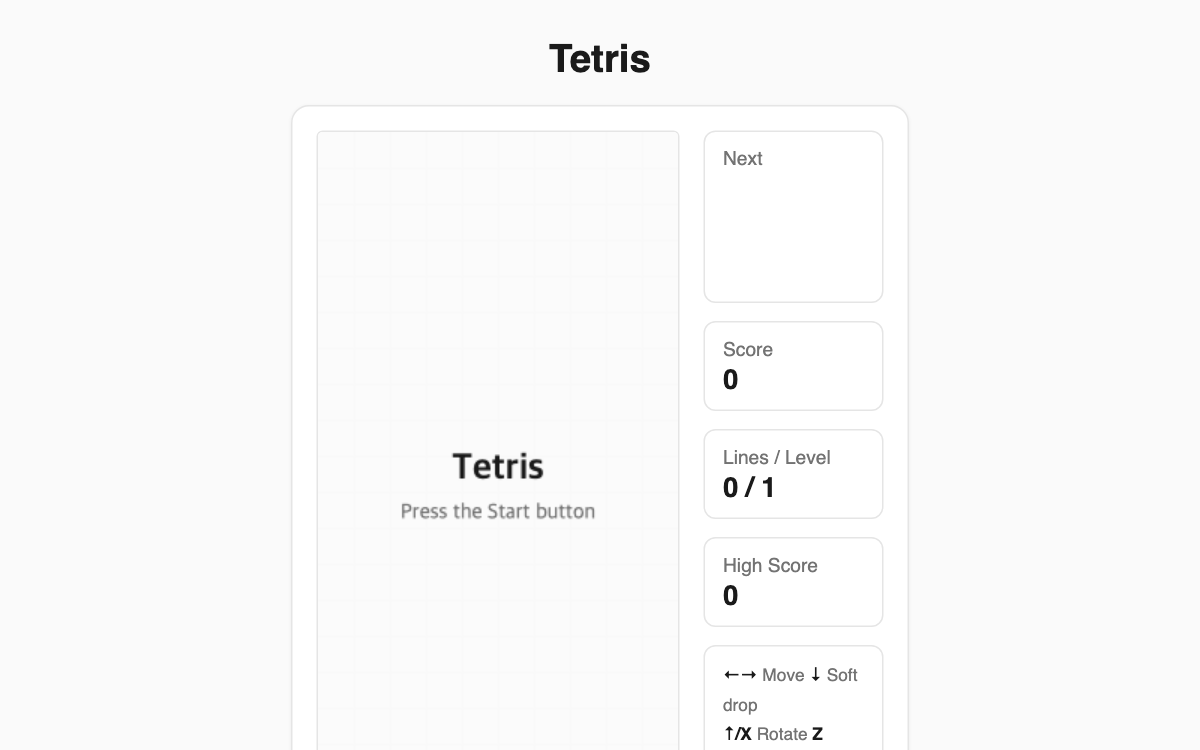
Block Drop Puzzle — the classic falling-block puzzle, playable in your browser with no install
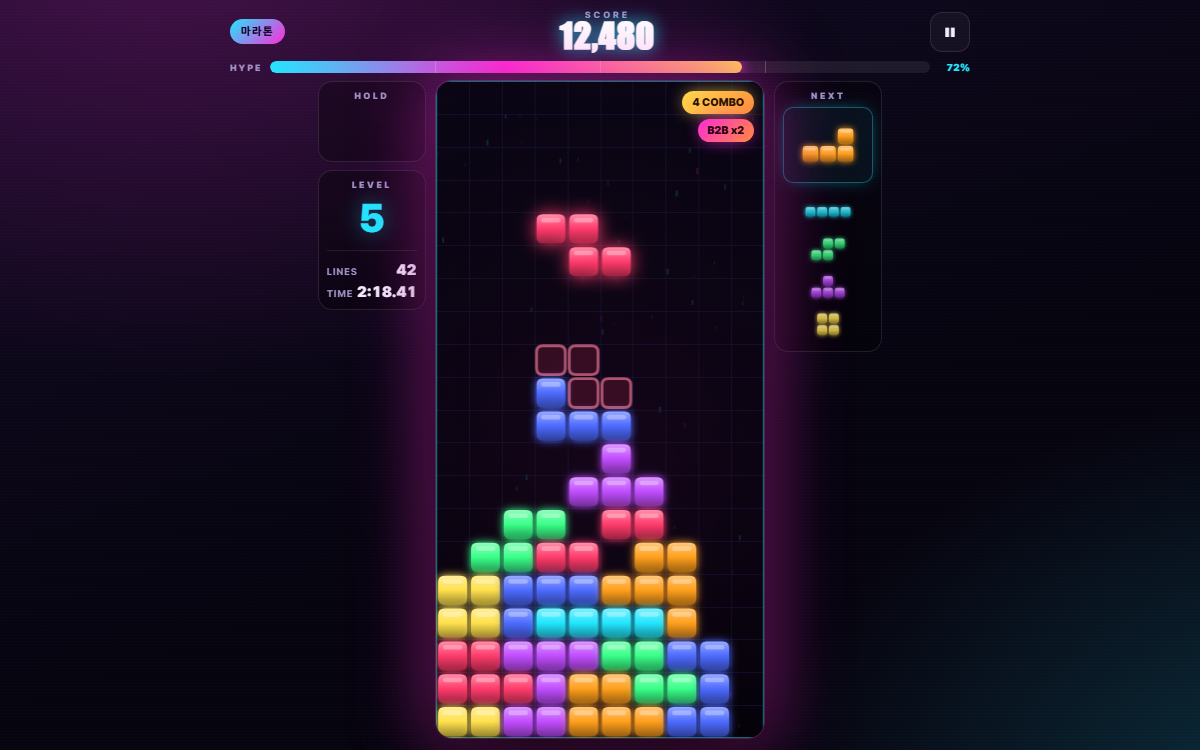
Move and rotate the seven falling tetromino shapes to fill each horizontal row without gaps; a completed row clears and adds to your score. It is perfect for a quick break, and the next-piece preview plus a ghost outline showing where a piece will land make it easy for newcomers to get the hang of it.
How to use
- Press the Start button to begin a game.
- Use the arrow keys to move a piece left or right, and the up arrow or X to rotate.
- Press Space for a hard drop that slams the piece straight to the bottom.
- Press P at any time to pause and resume.
Features & tips
- Clearing several rows at once scores more (100 points for one line up to 800 for four, multiplied by your level).
- Every 10 cleared lines raises your level and speeds up the drop.
- A translucent ghost block previews exactly where the current piece will land.
- On mobile, drag across the board to move, tap to rotate, and flick down to hard drop.
FAQ
Q. Is my high score saved? A. Yes, it is stored in your browser and carries over to your next visit, though it is kept separately per device and browser.
Q. Do I need an account or an install? A. No. Just open the page and play for free right away.
Q. What happens when a rotation is blocked by a wall? A. A small wall-kick nudge shifts the piece over, so rotations near the edges usually still succeed.