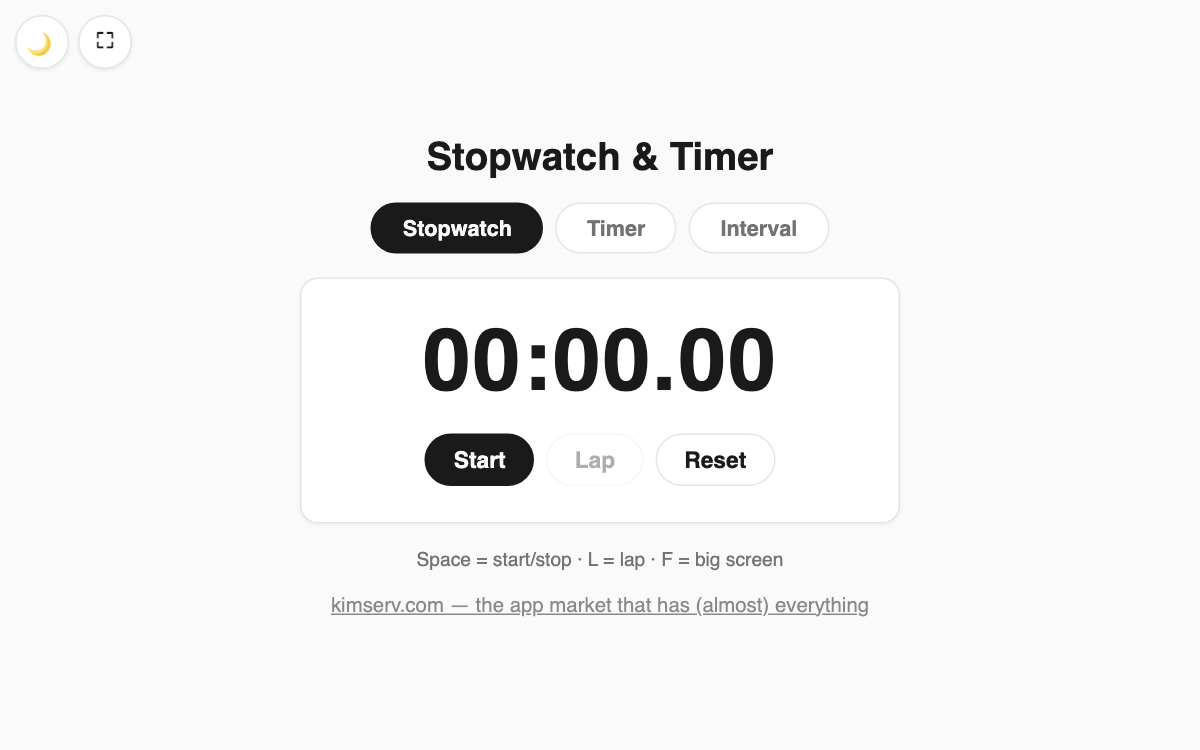
Stopwatch & Timer — timing, countdown, and HIIT in one tab switch
Three timing tools in one: a stopwatch, a countdown timer, and an interval timer, all reachable from the tabs at the top. It suits anyone running workout rounds, tracking cooking or study sessions, or recording lap splits. It opens straight in the browser with nothing to install.
How to use
- Pick Stopwatch, Timer, or Interval from the tabs at the top.
- For the timer, type hours, minutes, and seconds, or tap +1/+5/+10 min for quick setup.
- For intervals, set prepare, work, rest, and rounds to build a repeating set.
- Press Start, or use the spacebar to play and pause.
Features & tips
- The stopwatch shows hundredths of a second and flags your fastest and slowest laps with badges.
- When the timer ends it plays a sound, vibrates, and flashes the screen, while the remaining time shows in the tab title.
- The interval mode beeps a 3-2-1 countdown at the end of each phase, so you can look away.
- The screen stays awake while running (Wake Lock), plus 🌙 dark mode and a ⛶ big-screen view.
FAQ
Q. Does the timer still alert me if I switch tabs? A. Yes. It detects the end in the background and still sounds and vibrates.
Q. Can I build a Tabata set of 8 rounds? A. Set work to 20s, rest to 10s, and rounds to 8. You can add a separate prepare time too.
Q. Are there keyboard shortcuts? A. Spacebar starts/stops, L records a lap, and F toggles the big-screen view.