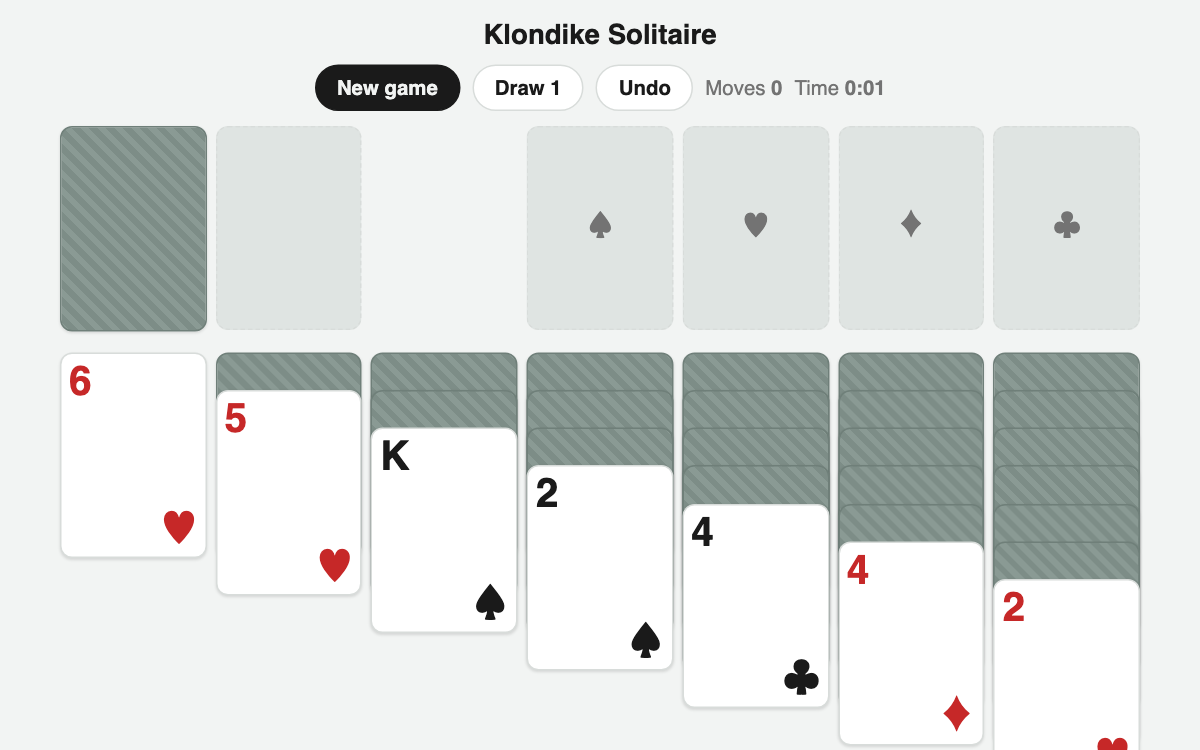
Klondike Solitaire — the classic card game, right in your browser
Enjoy the timeless Klondike solitaire that dates back to the old Windows days, with no install needed. It follows the authentic rules built around a stock, a waste pile, seven tableau columns, and four foundations, and it supports undo plus draw 1 or draw 3. It is perfect for a short break or a quick mental reset.
How to use
- Tap a card to select it, then tap the destination column to move it there.
- Double-tap a card to send it up to the foundation automatically when possible.
- Tap the stock in the top left to flip new cards, and tap again to cycle once it is empty.
- Made a mistake? Use undo to step back one move.
Features & tips
- In the columns, cards are stacked in alternating colors and descending rank (black on red).
- Foundations build up by suit from Ace to King; fill all four suits to win.
- Only a King may be placed on an empty column.
- Draw 1 is easier, while draw 3 gives you the classic level of difficulty.
FAQ
Q. Can I move several cards at once? A. Yes, a run sorted in alternating colors and descending order can be moved together as a group.
Q. Is my progress saved? A. Undo works within a single game, but refreshing the page starts a brand-new deal.
Q. Is every deal solvable? A. Cards are dealt randomly, so some deals may be hard or impossible; if you get stuck, just start a new game.