Take-Home Pay Calculator — see your real monthly pay from a single number
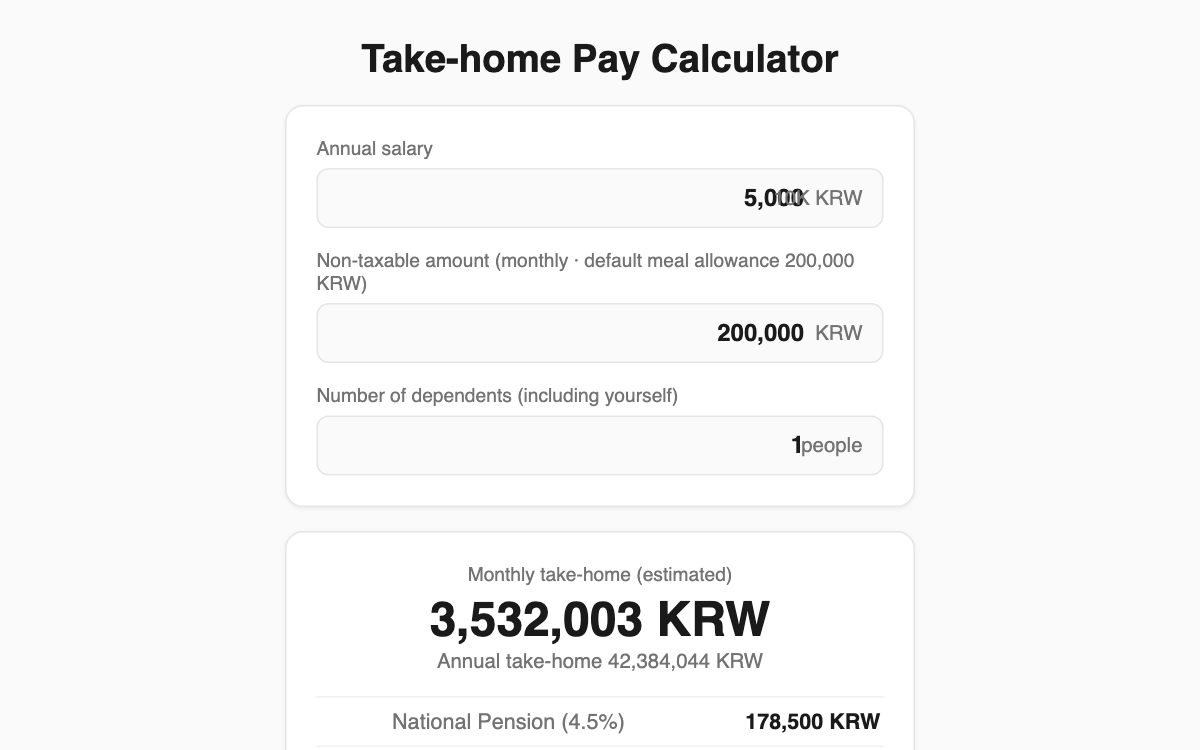
Enter your annual salary, monthly non-taxable amount, and number of dependents, and this tool instantly shows your monthly take-home pay after Korea's four social insurances and taxes. It is handy for employees comparing job offers or checking what a raise actually adds to their bank account.
How to use
- Enter your annual salary in units of 10,000 KRW (for example, 5,000 means 50 million KRW).
- Check the monthly non-taxable amount — a default meal allowance of 200,000 KRW is pre-filled.
- Enter your number of dependents, including yourself.
- Results update instantly, showing monthly and annual take-home pay plus a full deduction breakdown.
Features & tips
- Each item is listed separately: National Pension (4.5%), Health Insurance (3.545%), Long-term Care, and Employment Insurance (0.9%).
- Income tax reflects the earned-income deduction and tax credit, and local income tax is added on top.
- Increase the dependent count to instantly see how it lowers your income tax.
FAQ
Q. Will this match my actual payslip? A. Not exactly. It is a simplified estimate based on 2025 rates; company-specific allowances and deductions cause differences.
Q. Why is 200,000 KRW already in the non-taxable field? A. It is the common meal-allowance exemption set as a default. Adjust it to fit your own situation.