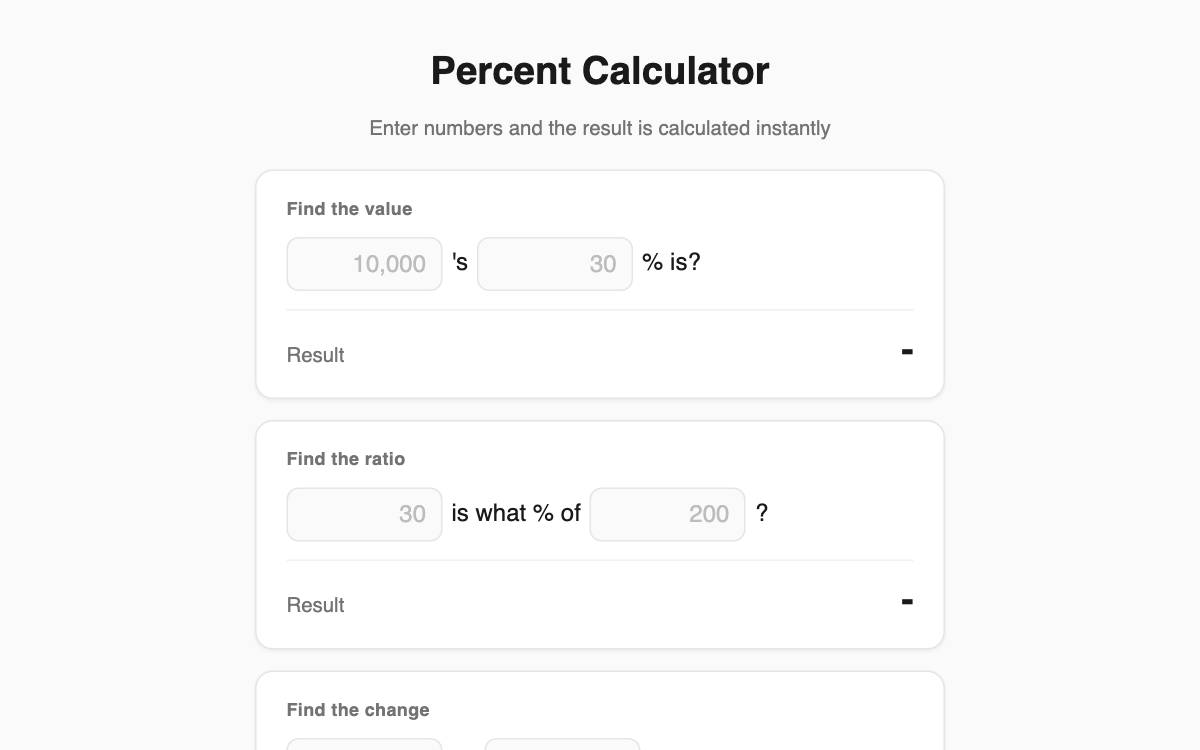
Percent Calculator — solve four tricky percentages as plain sentences
A percentage calculator that spares you from memorizing formulas. Just fill in the numbers in a natural sentence like "B% of A is?" and the answer appears instantly. It's handy for shopping discounts, budgeting, and everyday work where ratios and change rates keep coming up.
How to use
- Pick the card that matches your calculation (value, ratio, change, or sale price).
- Type numbers into the two blanks in the sentence.
- The "Result" line updates the moment you type.
- Want another figure? Just change a number and read the new result.
Features & tips
- Four modes: B% of A, A is what % of B, change from A to B, and A with B% off.
- The sale-price card shows the final price plus how much you save.
- Results use thousands separators and round to two decimal places for readability.
- Decimal input is supported, so it works for tax rates and interest too.
FAQ
Q. How is the change rate calculated? A. It uses (new − old) ÷ old × 100, shown as "% increase" or "% decrease" accordingly.
Q. Why does the result show a dash? A. Both blanks must be filled. Ratio and change modes can't compute when the base value is zero.
Q. Do I need to install anything? A. No. It runs right in your browser and is completely free.