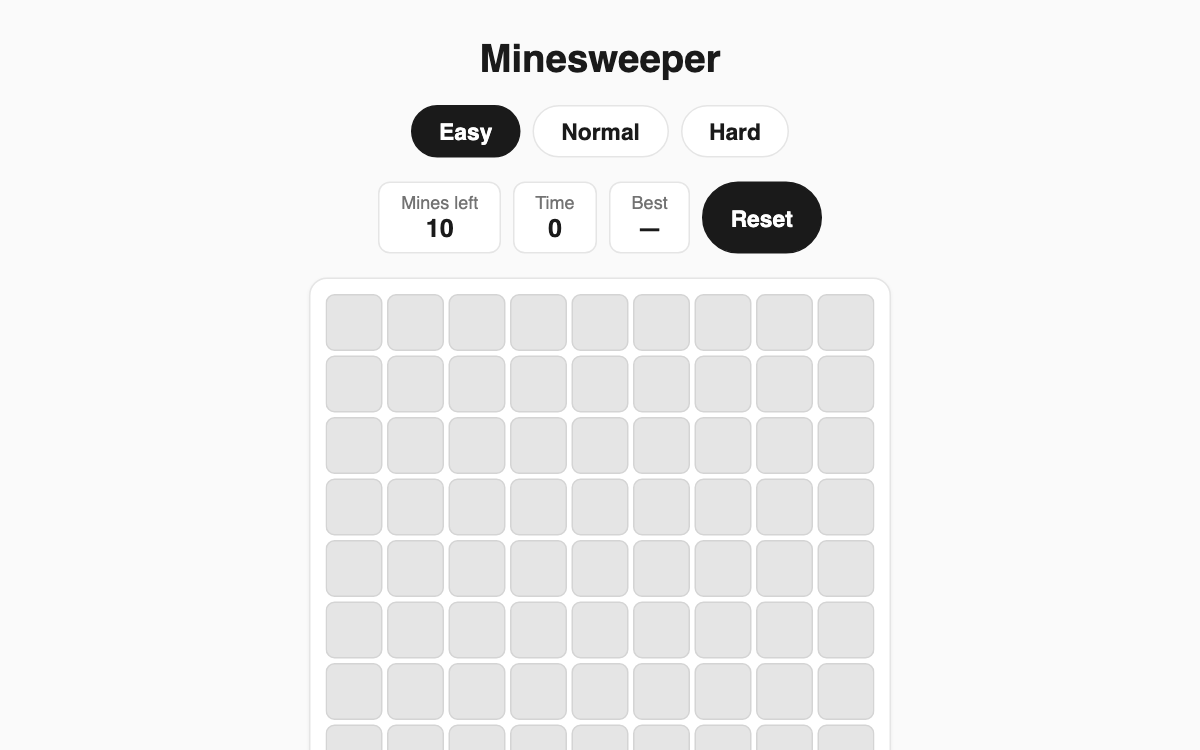
Minesweeper — the classic deduction puzzle where your first click is always safe
Every revealed number tells you how many mines hide in the eight surrounding cells. Use those clues to open every safe square without detonating a mine. It's a great pick for a quick mental break or for anyone who enjoys pure logical reasoning.
How to use
- Choose a difficulty: Easy (9×9), Normal (12×12), or Hard (16×16).
- Tap any cell to start — your first click and its neighbors are guaranteed mine-free.
- Read the revealed numbers to deduce where mines sit, then open the remaining safe cells.
- Flag squares you believe hold a mine so you don't open them by accident.
Features & tips
- Opening a blank (zero) cell auto-reveals its neighbors, clearing large areas fast.
- Flag with right-click on PC, a long press on mobile, or toggle the flag-mode button.
- The top panel tracks mines remaining and your elapsed time.
- A best time is saved per difficulty, so you can keep chasing a faster record.
FAQ
Q. Can I lose on the very first click? A. No. The first cell you tap and the cells around it are always kept mine-free, so the opening move is safe.
Q. Where are my best times stored? A. They're saved locally in your browser per difficulty, with no login required.
Q. How do I place flags on a phone? A. Long-press a cell, or turn on flag mode and then tap.