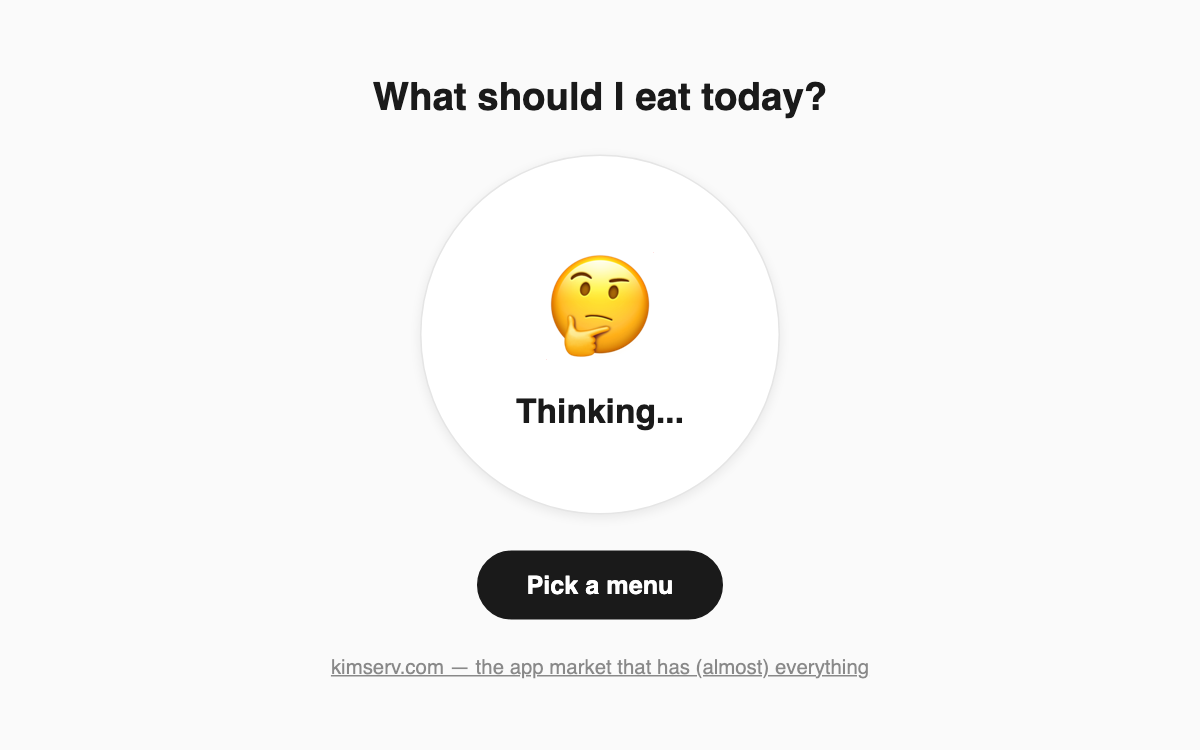
What Should I Eat? — a one-tap wheel that decides today's meal for you 🍽️
This is a dead-simple meal picker for anyone who wastes minutes every day stuck on "what should I eat?" One tap randomly draws one of 16 dishes — from pizza and ramen to gukbap and samgyeopsal — so it cuts the decision time whether you are eating alone or settling a group lunch.
How to use
- Look at the plate in the center and the "Pick a menu" button below it.
- Tap "Pick a menu" and the plate shakes side to side as the wheel spins.
- The emoji flips quickly and then stops — whatever lands is today's pick.
- Not feeling it? Tap the button again for a fresh draw.
Features & tips
- No sign-up and no install — it works the moment the page loads.
- Sixteen options mix Korean staples and global favorites like sushi, tacos, and curry.
- When a group can't decide, set a "we follow the wheel no matter what" rule to end the debate fast.
- The shaking plate and rotating emojis make the picking itself a small bit of fun.
FAQ
Q. Can I add or edit the menu items myself? A. Not currently. The app draws from a fixed set of 16 preset dishes and has no custom-editing feature.
Q. Is the result truly random each time? A. Yes. Every tap independently picks one of the 16 dishes, so the same meal can occasionally come up twice in a row.