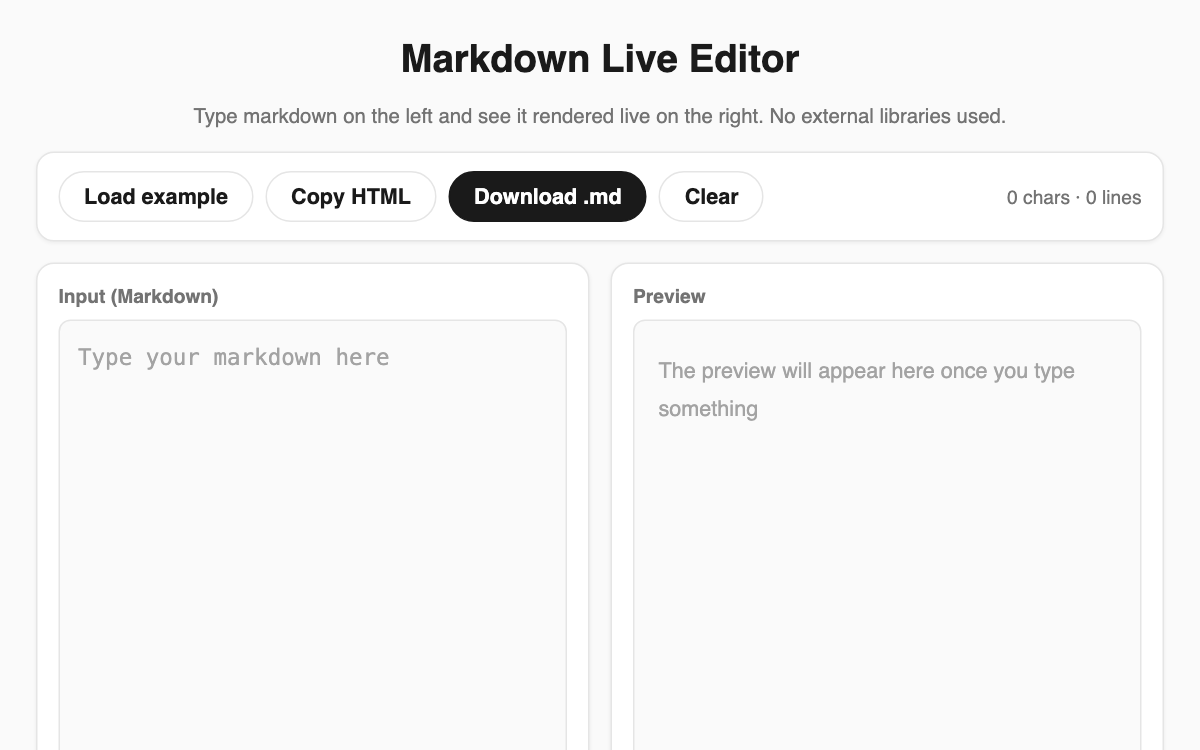
Markdown Live Editor — a two-pane editor that renders as you type
Type Markdown in the left pane and watch it render instantly in the right pane. It is handy for anyone drafting a README, a blog post, or meeting notes who wants to check the syntax visually right away. Your text never leaves the browser, and it is saved automatically so you can pick up where you left off on your next visit.
How to use
- Type Markdown directly into the input pane on the left.
- Watch the rendered result appear live in the preview pane on the right.
- Click "Load example" to fill in a ready-made syntax sample.
- When finished, use "Copy HTML" or "Download .md" to export your work.
Features & tips
- Supports headings, bold/italic/strikethrough, inline code, code blocks, blockquotes, ordered and unordered lists, links, images, tables, and horizontal rules.
- A counter at the top shows the character and line count in real time.
- Your draft is saved to the browser automatically, so a refresh will not lose it.
- Tables accept colons in the separator row to set left, center, or right column alignment.
FAQ
Q. Is my text sent anywhere? A. No. All conversion happens in your browser and nothing is uploaded to a server.
Q. Will I lose my work if I refresh the page? A. No. Your content is saved automatically and restored the next time you open the editor.
Q. What exactly does "Copy HTML" copy? A. It places the rendered HTML source from the preview onto your clipboard so you can paste it elsewhere.