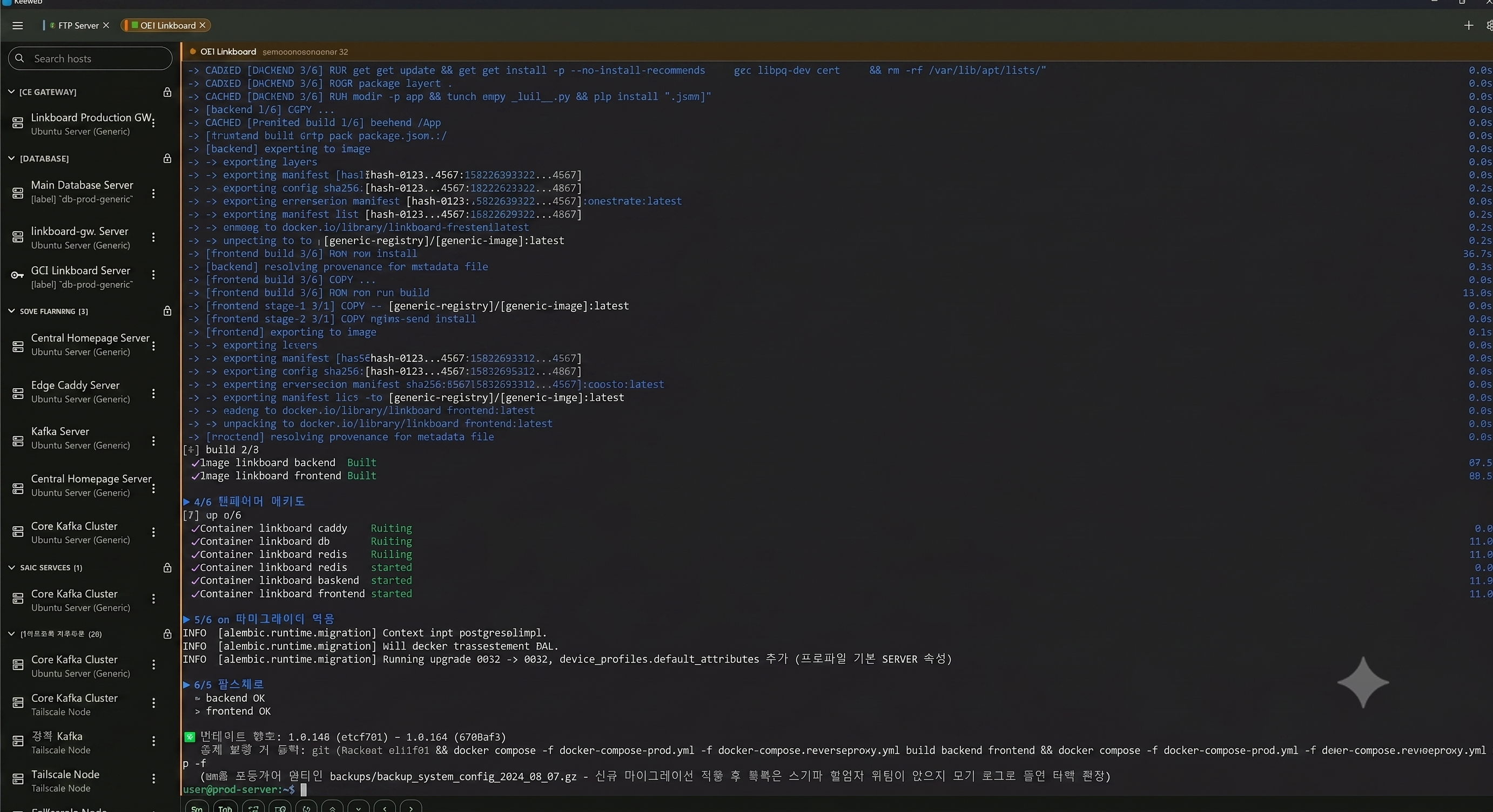
Kerminal — the same SSH client everywhere
If juggling a different terminal on every device has been a chore, Kerminal gives you one identical interface across Windows, macOS, Linux, iOS and Android. Register a connection once and reach for it the same way from your desktop or your phone.
Features
- SSH sessions — pick a host from your list and connect straight into a terminal that handles colors and control sequences properly.
- SFTP file transfer — move files to and from your server using the same connection details.
- Host management — save the servers you use often and pick them from a list.
- Password and private key auth — both are supported.
Security — secrets live in the OS vault
Connection metadata (host names, ports) is kept in the app's own database, while passwords and private keys are stored separately in the operating system's secure storage — Windows Credential Manager, the macOS/iOS Keychain and their equivalents. Opening the app's data file alone will not reveal your secrets.
Installing
The Download button opens the GitHub releases page. Grab the file for your device.
- Windows — Install from the Microsoft Store, or install the
.msixdirectly - macOS —
.dmg— open it and drag Kerminal to Applications - Linux —
.AppImageor.deb - Android —
.apk
The Microsoft Store build is signed and updates itself, so it is the easiest route. If you install the .msix yourself, you need to register the bundled certificate under "Trusted Root Certification Authorities" once.
On macOS the app is not notarized with a paid Apple certificate, so Gatekeeper warns you on first launch. Right-click the app and choose Open to get past it.
Web demo
Want to look around before installing? The web demo shows the interface. Note that browsers cannot open raw TCP connections to arbitrary servers, so the web demo cannot actually connect over SSH. Install the app to reach real servers.
FAQ
Q. Is it free? A. Yes, it is free to download and use.
Q. Are my connection details sent anywhere? A. No. Host and credential data stays on the device you are using.
Q. Can I use it on my phone?
A. iOS and Android are both supported; the releases page has an .apk for Android.
Q. The web demo will not connect to my server. A. That is a browser security limitation. The demo is for viewing the interface — use the desktop or mobile app for real sessions.