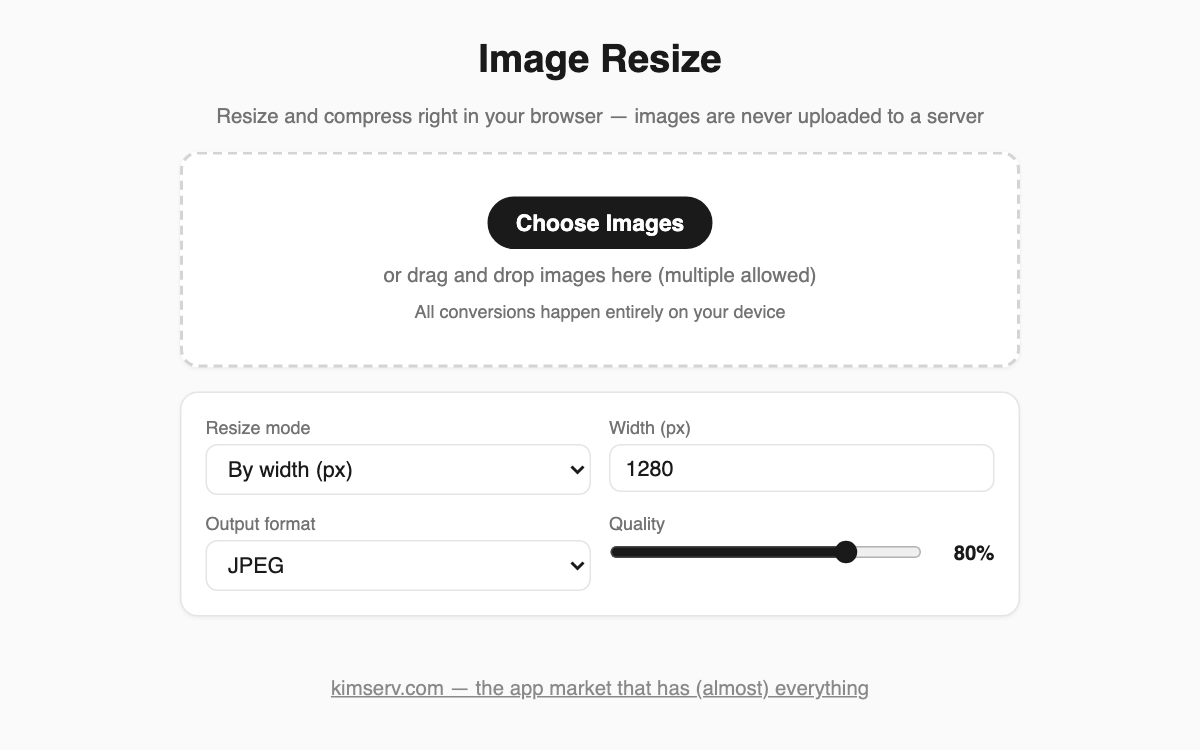
Image Resizer — shrink photo dimensions and file size right in your browser, no upload
When an email attachment or a forum upload hits a size limit, this tool makes photos smaller instantly, with no install and no sign-up. It handles several images at once, which is handy for cleaning up blog or marketplace photos, and since images never leave your device, even personal pictures stay private.
How to use
- Click Choose Images, or drag and drop photos onto the dashed area (multiple allowed).
- Pick a resize mode — by width (px) or by ratio (%) — and enter a value.
- Choose an output format (JPEG, PNG, or WebP) and adjust the quality slider.
- Check the before-and-after size, then download each image or use Download all.
Features & tips
- Each item shows original vs. new dimensions, file size, and the percentage saved.
- EXIF orientation from phone photos is applied automatically, so nothing appears sideways.
- In width mode it never enlarges beyond the original, so there is no quality loss from upscaling.
- For the web, roughly 1280px wide at 80% quality is a good balance of size and clarity.
FAQ
Q. Are my photos uploaded to a server? A. No. Every conversion runs inside your browser and the images are never transmitted.
Q. Can I set quality for PNG? A. PNG is lossless, so the quality slider is disabled for it. Use JPEG or WebP for big size savings.
Q. Can I grab all the images at once? A. Yes — Download all saves every converted photo one after another.