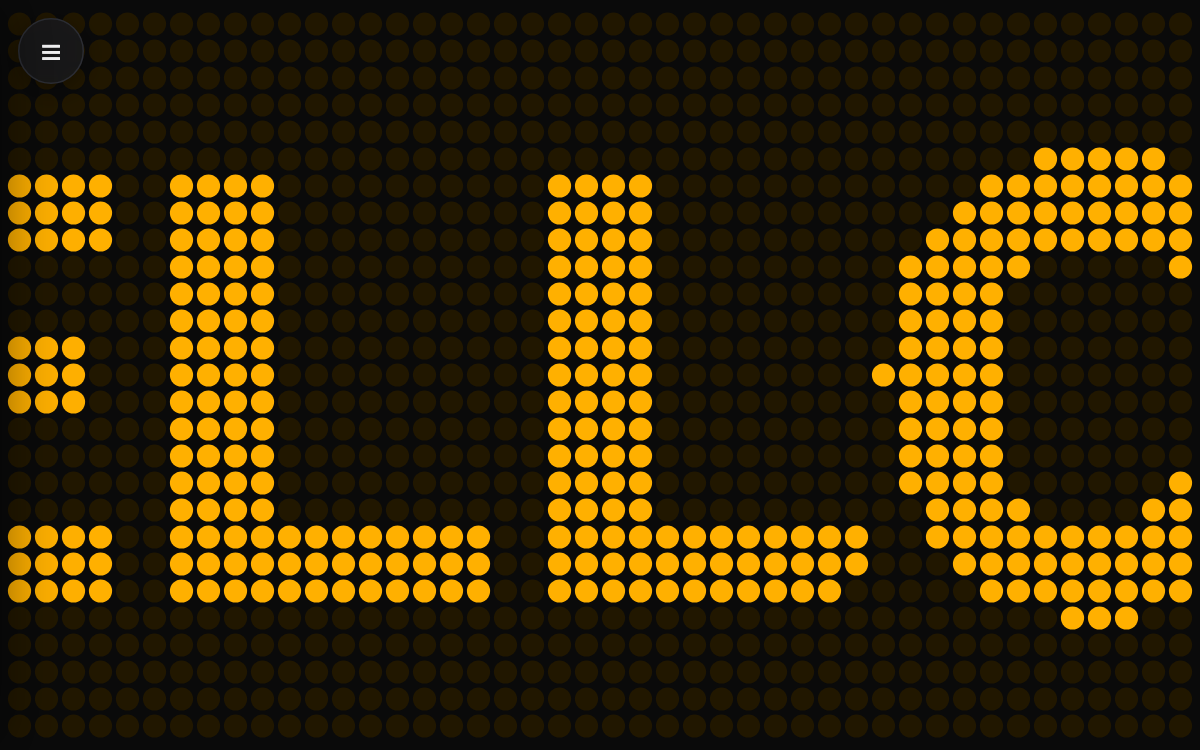
Flip-Dot Display — the airport departure board, recreated on your screen
This web app brings back the flip-dot boards from airports and train stations, where each dot physically flips to spell out words. Type your message, pick a color and a flow effect, and go fullscreen for an instant sign or event screen. It works great for a café's daily menu, a birthday greeting, or a stream background.
How to use
- Open the menu (☰) in the top-left corner and type your text into the message box. Any language and emoji are supported.
- Adjust the color, dot shape, flow effect, flow speed, and dot size to taste.
- Press Post fullscreen to spread the board across the whole screen.
- Tap the screen once to reopen the settings panel.
Features & tips
- Six retro presets: amber, green, white, red, blue, and pink
- Set your own lit-dot and background colors for a custom combo
- Three dot shapes: circle, square, and rounded square
- Five effects: scroll left, right, up, typing, and static center
- Long messages suit scroll-left; short ones look best static center
FAQ
Q. Will emoji and non-Latin text display correctly? A. Yes. The app samples whatever you type into dots, so any language shows up.
Q. The dots look too dense or too sparse. A. Use the dot size slider. A higher value makes dots larger and more spread out.