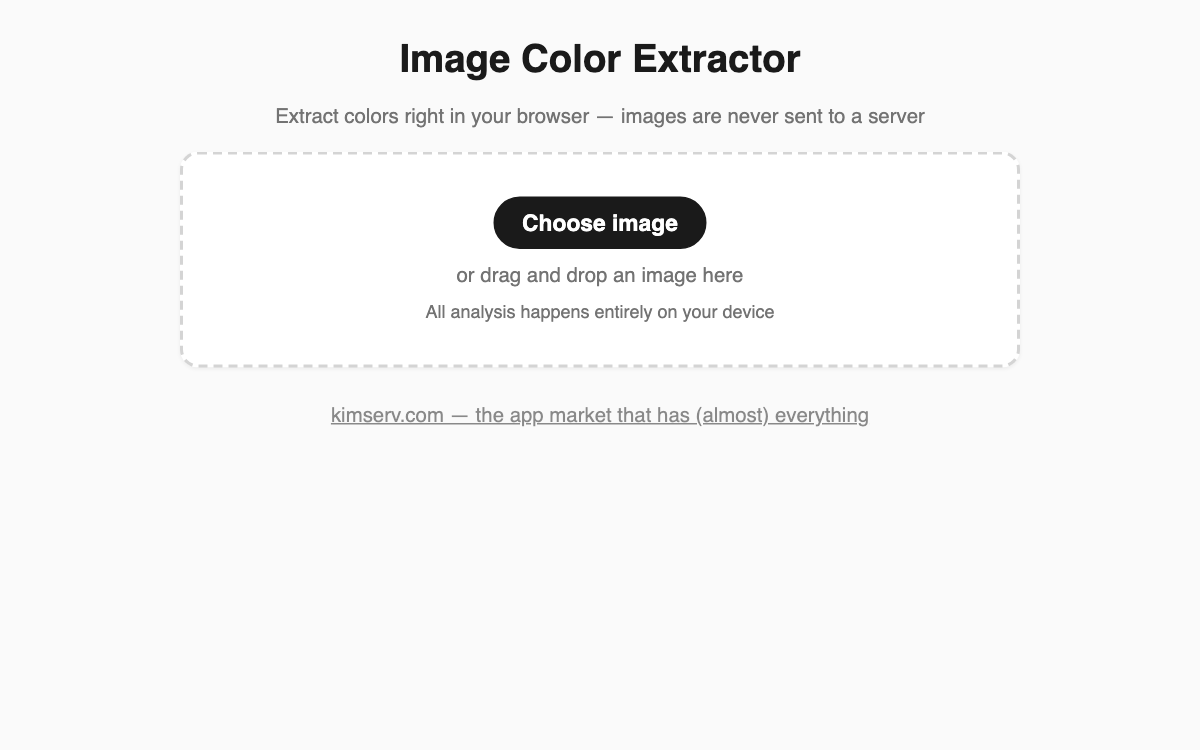
Image Color Extractor — pull a photo's palette right in your browser
This tool automatically surfaces the most common colors in any photo and lets you sample the exact pixel color at any point you choose. It is handy for designers, bloggers, and anyone building a mood board who thinks "I want to reuse the colors from this shot." Images stay on your device and are never uploaded to a server.
How to use
- Click Choose image, or drag and drop a photo file onto the page.
- Check the auto-extracted main colors and each color's share (%) in the palette below.
- Hover over the image to preview a color, then tap or click to lock the pixel you want.
- Press the Copy button next to a HEX code to grab that color instantly.
Features & tips
- Shows up to eight main colors, ordered by how frequently they appear.
- The eyedropper reports both the RGB values and the HEX code, ready to paste into CSS.
- Use Replace image to swap in another photo and compare palettes right away.
FAQ
Q. Is my uploaded photo stored anywhere? A. No. All analysis runs inside your browser, and the image is never sent off your device.
Q. What do the palette percentages mean? A. For speed the image is scaled down first, then each color's share is measured across those downsampled pixels.