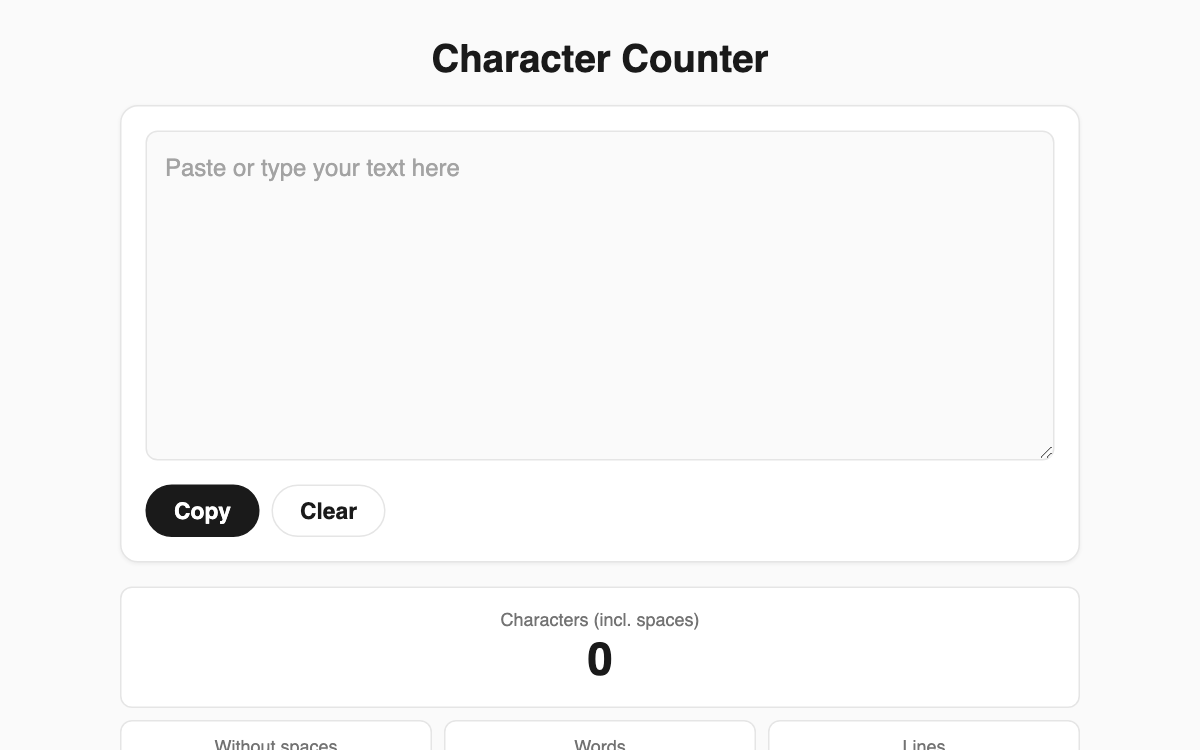
Character Counter — instant counts for characters, words, lines, and bytes
Type or paste any text and this tool counts it in real time. It is especially handy for cover letters, essays, and resumes that enforce a character limit, and it works just as well for checking the length of social posts or manuscripts.
How to use
- Type directly in the central box or paste your text into it.
- Characters (with and without spaces), words, lines, and bytes update instantly.
- Enter a target length (for example 500) to see a progress bar and how many characters remain.
- Use the Copy button to grab your text, or Clear to empty the box.
Features & tips
- Both counts, with and without spaces, are shown at once so you can match any submission rule.
- Bytes are calculated two ways: UTF-8 and the 2-byte scheme used by some legacy systems.
- Go past your target and the status label is emphasized, so you instantly see how much you are over.
- Your text and target are saved automatically in the browser and are still there when you reopen the page.
FAQ
Q. Is my text sent to a server? A. No. All counting happens inside your browser, and saved text stays only on this device.
Q. How is the "without spaces" count measured? A. It removes every whitespace character, including spaces, line breaks, and tabs, then counts the rest.
Q. Why offer a 2-byte byte count? A. Some forums and older systems count each Korean character as 2 bytes, so it helps when a limit is stated in bytes.