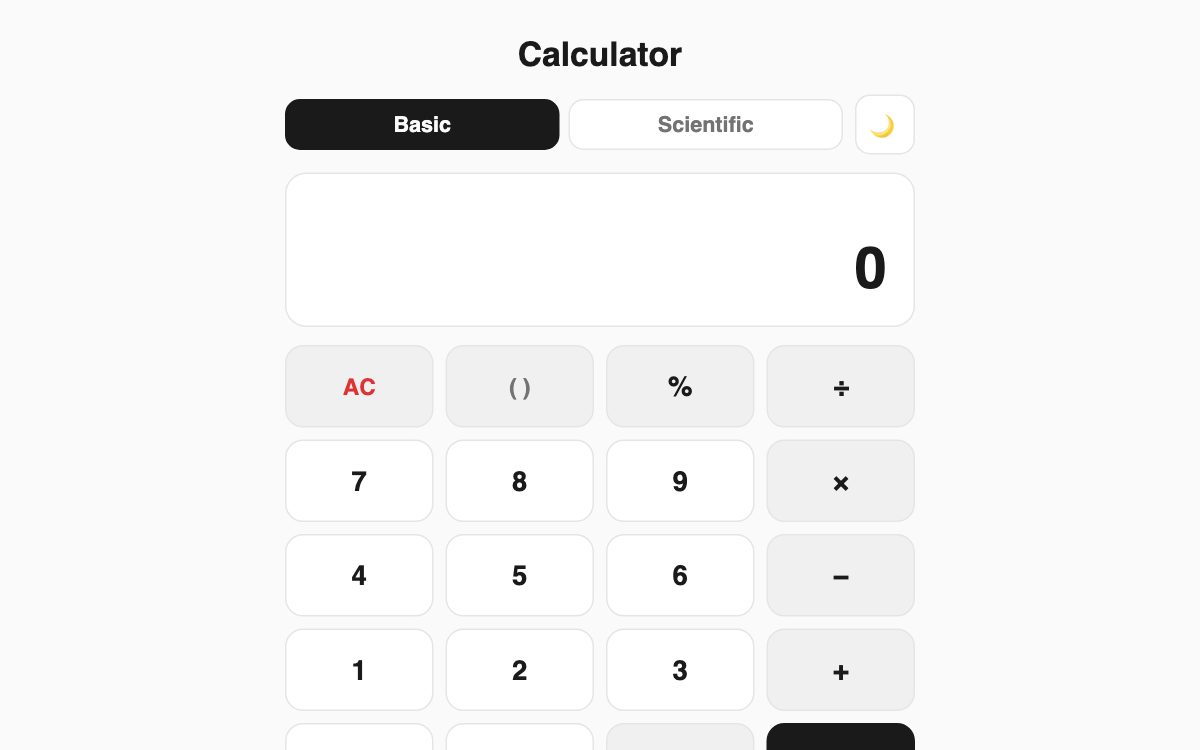
Calculator — basic arithmetic and scientific functions on one screen
A calculator you use right in your browser with no install. Beyond basic arithmetic, the scientific mode handles trigonometry, logarithms, square roots, powers, and factorials. It helps students, office workers, and developers who need a quick answer, and it supports keyboard input plus a running calculation history.
How to use
- Choose your mode with the Basic or Scientific tab.
- Tap the on-screen number and operator buttons, or type directly on your keyboard.
- Press = or Enter to calculate, and Esc to clear.
- In scientific mode, use the DEG/RAD button to switch the angle unit for trig functions.
Features & tips
- Parentheses and operator precedence are handled correctly (2+3×4 = 14).
- Supports trig and inverse functions, natural log (ln), common log (log), square root, powers, and factorial (!).
- Tap any entry in the history to reload a previous result.
- Dark mode keeps things easy on the eyes at night.
FAQ
Q. Are angles in degrees or radians? A. Use the DEG/RAD button in scientific mode to choose; the default is degrees (DEG).
Q. Can I type with my keyboard? A. Yes. Numbers, operators, parentheses, Enter (calculate), Esc (clear), and Backspace (delete) all work.
Q. Are large numbers and decimals accurate? A. It calculates at standard precision and rounds results neatly for easy reading.