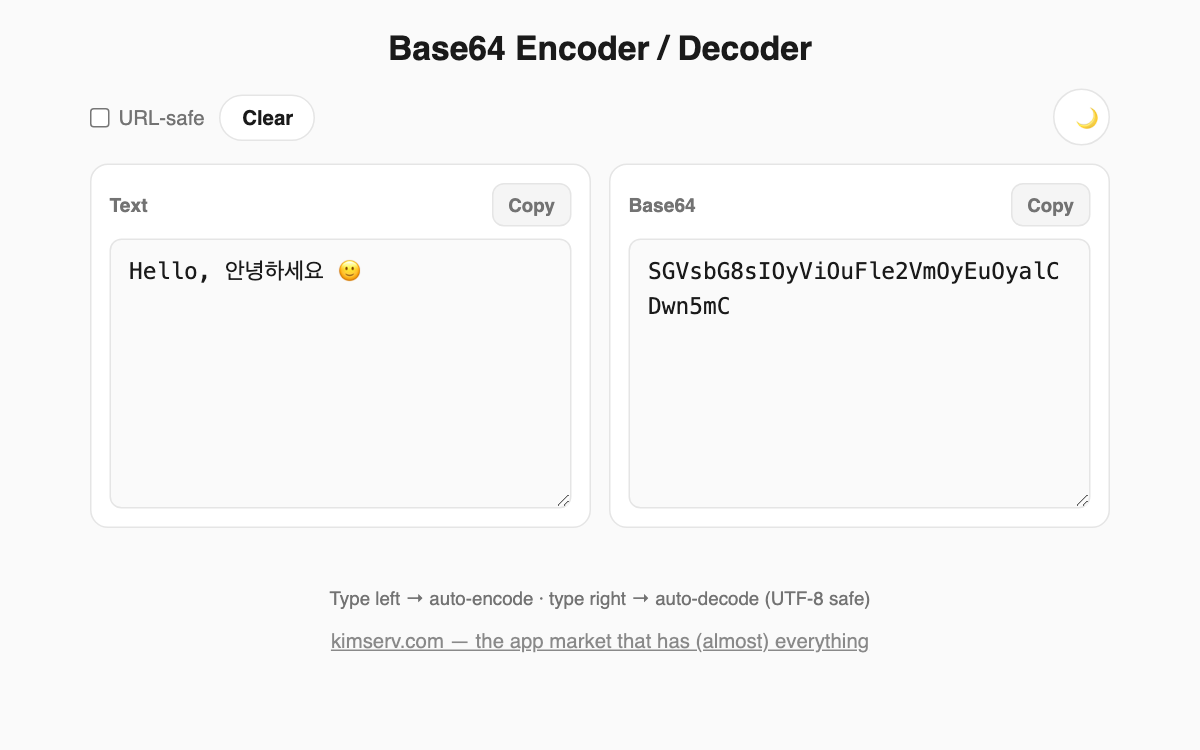
Base64 Encoder / Decoder — convert text and Base64 instantly
Type text on the left to get Base64, or paste Base64 on the right to recover the original text, all in real time. It handles Unicode such as Korean, Japanese, and emoji correctly using UTF-8, making it useful for developers encoding data or anyone checking an API value.
How to use
- Type into the left text box and the Base64 appears automatically on the right.
- Alternatively, paste a string into the Base64 box to get the original text on the left.
- Turn on the URL-safe option to replace + and / with - and _ and drop the trailing = padding.
- Use the copy button to grab the result, and the clear button to reset both fields.
Features & tips
- Any language or emoji is encoded and decoded safely via UTF-8.
- Enable the URL-safe option when placing a value in a URL or file name.
- Invalid Base64 input is flagged immediately with an error message.
- All conversion happens inside your browser, so nothing you type is sent to a server.
FAQ
Q. Does it work with Korean or emoji? A. Yes. Because it uses UTF-8, any language and emoji are restored exactly as entered.
Q. What is URL-safe? A. It is a variant that uses - and _ instead of + and / and omits the = padding, so the string fits directly into a URL.
Q. Where does my input go? A. Nowhere. Every conversion is processed entirely in your browser.