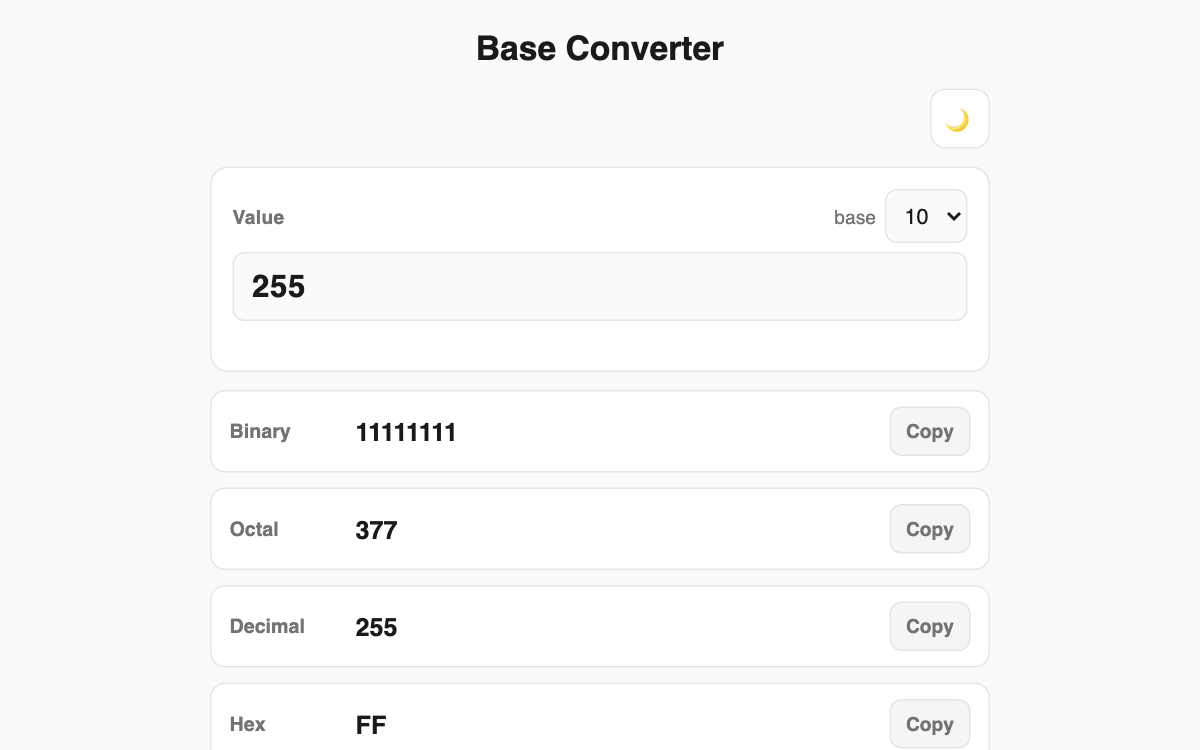
Base Converter — binary, octal, decimal and hex at once, plus any base from 2 to 36
Enter a number once and it instantly shows the binary (BIN), octal (OCT), decimal (DEC) and hexadecimal (HEX) forms, and lets you convert to any base you choose between 2 and 36. It is handy for developers, students learning programming, and anyone preparing for coding tests, and it stays exact even with very large numbers.
How to use
- Type a number in the input field and pick which base that number is written in on the right.
- The binary, octal, decimal and hex results appear below in real time.
- Under custom base, choose any base from 2 to 36 for an extra conversion.
- Press the copy button next to any result to paste it straight away.
Features & tips
- It uses BigInt internally, so even huge numbers convert exactly with no rounding.
- If a character does not fit the chosen base, it flags the error at once (for example, a G in hex).
- Add a minus sign in front of the value to convert negative numbers too.
- Dark mode is supported.
FAQ
Q. How high can the base go? A. It supports base 2 through base 36. Digits above 10 are written with the letters a to z.
Q. Is it accurate for very large numbers? A. Yes. Values beyond the normal number limit convert with no loss of digits.
Q. Is it case-sensitive? A. Input ignores case, and results are shown in uppercase for readability.